02.04 — Workflow Automation
Work that moves without being chased.
Workflow automation connects the steps of a business process, like approvals, reports and handoffs between teams, so work moves on its own. Everyone sees the same live status, and nobody spends their week chasing updates over email.

01Why it matters
When a process lives in inboxes and spreadsheets, someone has to push every step forward. Requests stall, reports are rebuilt by hand every Monday, and nobody is sure what is waiting on whom. We wire the steps together so the process runs itself and exceptions surface on their own.
Approvals, reports and handoffs between teams wired together so work moves on its own and everyone sees the same status. No more chasing updates over email.
02What's included
What the work covers.
- Approvals
- Reporting
- 01
Approvals and handoffs
Requests routed to the right approver, with reminders and escalation when they stall.
- 02
Automated reporting
Reports built from live data and delivered on schedule, not rebuilt by hand.
- 03
Notifications
The right people told at the right moment, in Slack, email or SMS.
- 04
Live status dashboards
One view of every item in flight and where it is waiting.
You get
- Approval and handoff flows
- Automated reporting
- Notifications and reminders
- Live status dashboards
03Process
How it works.
Two meetings a week, working software to review every week, and one team accountable from first call to launch.
01
Map the process
Every step, owner, tool and delay, as it really happens.
02
Redesign
Remove steps that add nothing before automating the rest.
03
Automate
Connect the tools and build the flows, with error alerts.
04
Measure
Track cycle time and errors against the old process.
04Tools we use
- n8n
- Make
- Zapier
- Airtable
- Google Workspace
- Slack
- PostgreSQL
- Retool
05Proof
Where we've done this before.
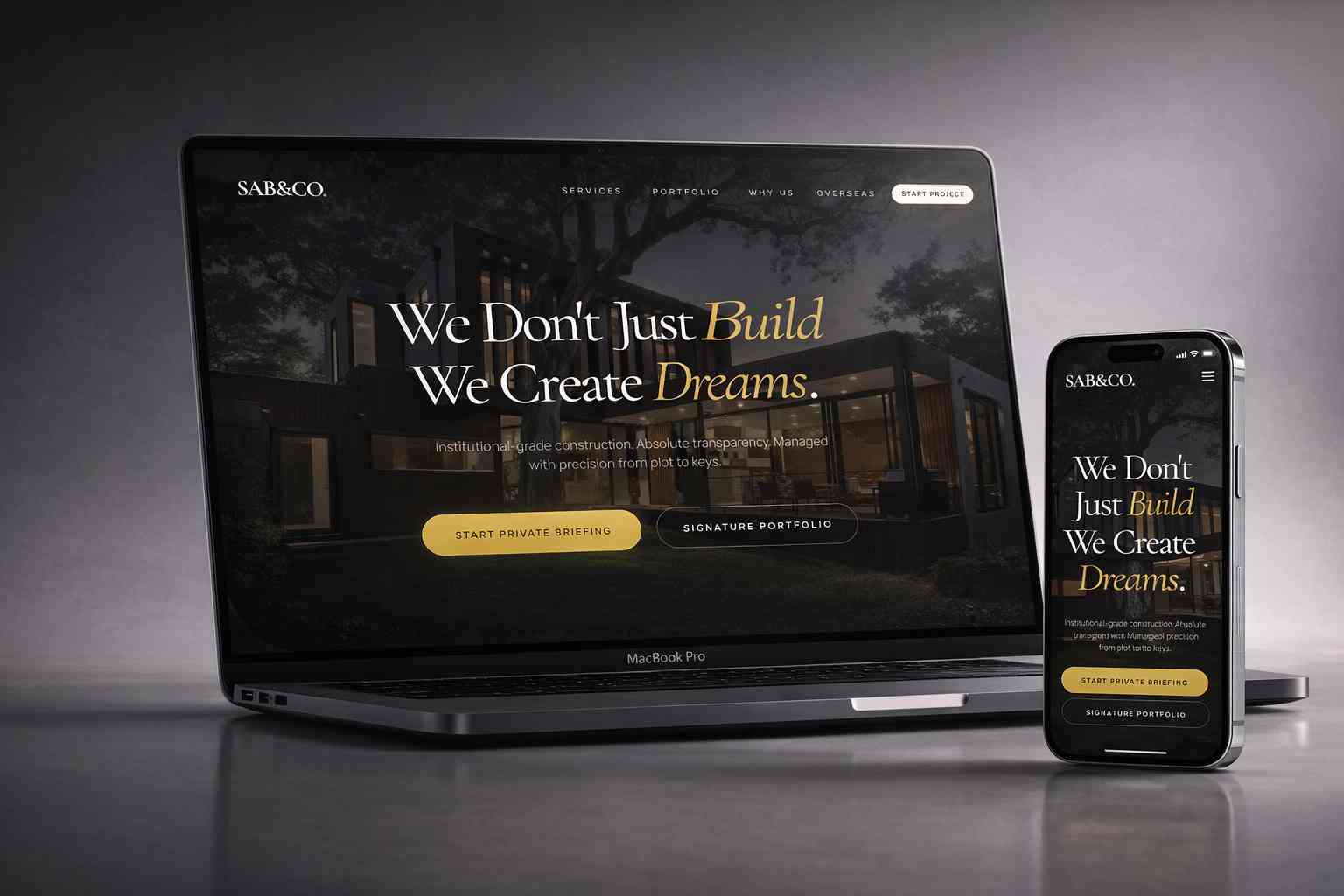


06Questions
Asked often.
Which processes are worth automating first?
Which processes are worth automating first?
The ones that happen often, follow clear rules and currently need someone to push them along.
Do we need new software?
Do we need new software?
Rarely. Most workflows are automated by connecting the tools you already have.
What happens when an automation fails?
What happens when an automation fails?
It alerts the owner and pauses safely, so nothing is lost or duplicated.
Can our team change the workflows later?
Can our team change the workflows later?
Yes. We document each flow and build simple ones in tools your team can edit.
Let's talk Workflow Automation.
If you're building something serious, this is where it starts. No pressure. Just a conversation.
hello@thinklimitless.co